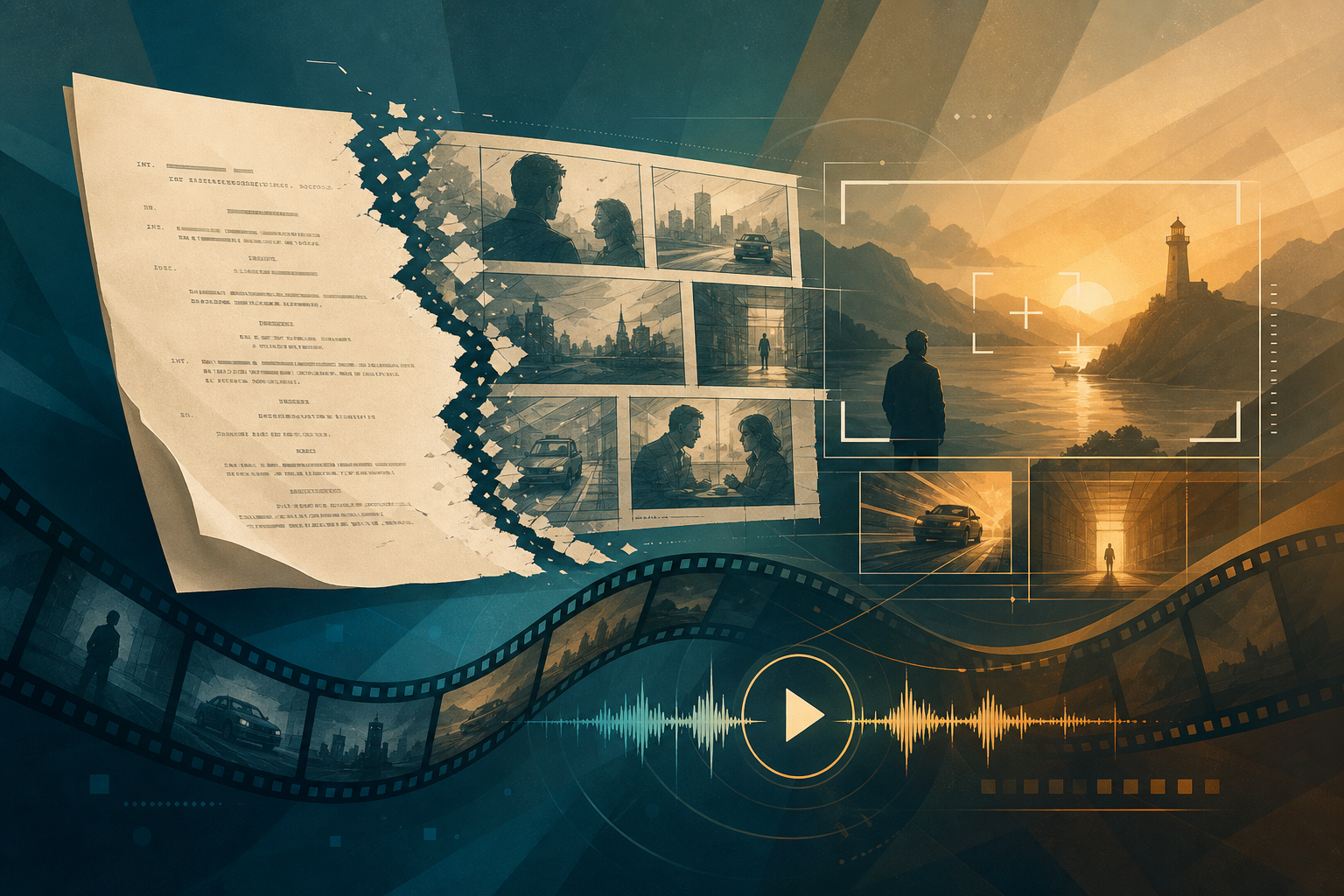
Filmmakers who want to test tone, casting, and pacing fast need a workflow that converts a finished script into visual material that actually helps drive decisions. This playbook shows a step-by-step production approach for using an ai video generator together with screenplay-derived assets to produce a first-pass pilot video you can use for pitching, festival outreach, or early development feedback.
Why this workflow matters
AI video generation can produce visuals quickly, but raw outputs are most useful when they are driven by production-grade inputs: clear beats, storyboards, shot lists, character notes, and reference art. Treat the ai video generator as a production tool, not a magic camera. The process below connects screenplay intelligence to that tool so the result is actionable and credible.
Step 1 - Script prep: choose a scene set that proves the idea
- Pick 2 to 5 scenes that together show genre, character, and the story hook. A single strong scene is fine, but a short sequence gives better context for stakes and arc.
- Trim and format. Create a short shooting script version with sluglines, action trimmed to what will appear on screen, and any essential props or visual beats flagged.
- Mark the emotional pivot in each scene so every generated clip highlights the performance moment you need to test.
Step 2 - Break the scene into storyboardable beats
Divide each scene into 6 to 12 beats. For each beat note:
- Goal - what the character wants in this moment
- Conflict - what stands in the way
- Visual idea - one sentence about camera placement or image
- Duration - estimated seconds in the rough cut
This forces clarity before you prompt an ai video generator and creates a reusable shot list for editing and casting notes.
Step 3 - Generate storyboards and shot lists
When you feed clear beat-level direction into a storyboard tool or a storyboard module, you get panels that inform framing, continuity, and coverage. Convert panels into a shot list that includes camera type, lens suggestion, angle, movement, and coverage notes like wide-establishing, 2-shot, over-the-shoulder, or close-up.
These deliverables serve two purposes. They provide precise prompts for an ai video generator and they produce a paper plan editors can use when stitching clips into a sequence.
Step 4 - Create temp casting and performance notes
- Define age range, ethnicity, and a couple of reference images or archetypes for each role. Keep references high level to avoid likeness issues but clear enough to steer performance tone.
- Write performance notes per beat that describe energy, subtext, and vocal quality. AI tools respond better when you provide character intent and micro-behaviors.
Step 5 - Choose visual and audio style references
Collect 6 to 10 reference frames and short clips that capture lighting, color, camera movement, and sound design you want to emulate. Describe the palette (for example cool teal with warm highlights), the desired grain and contrast, and the tempo of edits. Provide a short music reference or temp cue to guide mood and pacing.
Step 6 - Select the right ai video generator and set expectations
Not all generators serve the same production needs. Choose based on control, output resolution, and licensing terms.
- For frame-accurate, controllable camera moves choose models that allow camera parameter input and per-frame prompts.
- For fast character-driven performance tests prioritize tools that accept face or body reference images and support stylized or neutral rendering.
- For accessible, iterative results pick tools with quick turnaround and easy clip export so you can assemble cuts rapidly.
When you prompt the ai video generator, use the beat-level description, shot-list metadata, casting reference, and visual references. Prompt structure matters: a short scene summary, followed by beat-by-beat camera and performance instructions, and a style tag will yield more consistent clips.
Step 7 - Generate, review, and iterate
- Generate short clips for each shot in your shot list, not entire scenes at once. Smaller clips are easier to re-prompt and replace.
- Label outputs with scene, beat, angle, and intended duration for fast assembly.
- Review for continuity and performance. Replace or tweak clips where emotion, eyelines, or blocking break the scene logic.
Step 8 - Stitch clips into a rough cut
Assemble clips in a non-linear editor and focus on three development goals: tone, rhythm, and casting. Use jump cuts and crossfades to mask imperfect frame matches. Keep edits conservative; the objective is to test choices, not to hide every artifact.
- Sync a temp music cue and add simple ambient beds. Volume balance is more important than final mixing.
- Use simple color tweaks to unify clips so the cut reads as a single visual world.
- Limit the rough cut to 1 to 3 minutes when pitching. Longer cuts can dilute the core idea.
Step 9 - Practical quality and legal checks
- Model and likeness: if you used real-person references make sure rights are cleared or use stylized outputs that avoid direct likeness.
- Music licensing: use licensed or original music for any material you intend to distribute beyond internal development.
- Credits and sourcing: document which ai tools, datasets, and references you used so you can answer questions from collaborators or legal teams.
- Script ownership: keep clear records that you own or control the screenplay rights used to generate the pilot material.
Step 10 - Use the pilot intelligently
Deploy the first-pass pilot to get the specific feedback you need. Ask reviewers to evaluate casting, tone, and pacing against the script. Use targeted surveys or small group screenings to collect notes you can translate back into script revisions or production changes.
Practical timeline and resource estimate
With a disciplined approach you can get from script to a usable first-pass pilot in about 24 to 72 hours. Time allocation example:
- Script prep and beat breakdown - 1 to 3 hours
- Storyboards and shot list generation - 2 to 4 hours
- Clip generation and iteration - 6 to 24 hours depending on tool and fidelity
- Assembly and temp audio - 2 to 6 hours
Where automation removes friction and where humans still matter
AI accelerates visualization and iteration, but human judgment is essential for selecting which beats to test, interpreting audience feedback, and making creative trade-offs. Think of the ai video generator as a way to compress early-phase concepting and validation, not a replacement for a director or editor.
Bringing production and development together
To make this workflow repeatable across projects, standardize your inputs: a short scene shooting script, a two-column beat sheet, a single mood board, and a casting packet for each principal role. Those assets turn an ai video generator session from an experiment into a production step that drives decisions.
Many teams are already using automated screenplay tools to produce the exact inputs described here. When screenplay analysis delivers storyboards, shot lists, character briefs, and a first-pass pilot video in a single package it saves time and keeps creative intent aligned with production choices. That integration is precisely the difference between tinkering and shipping a testable, production-oriented pilot.
FAQ
How good will ai-generated footage look?
Quality varies by tool and prompt detail. You can expect useful proof-of-concept imagery and motion that communicates tone and casting. For presentation-quality visuals you will likely need compositing, color grading, and sometimes human performance replacement.
Which ai video generator is best for filmmakers?
Choose the tool that gives you the controls you need: camera parameters, per-frame prompts, and clear export formats. Try two or three tools on a short shot list to see which matches your visual goals and budget.
Can I use generated pilot footage to pitch to investors or distributors?
Yes, but run the legal and licensing checks first. Ensure the music and any likenesses are cleared and document tool licenses. Clearly label the material as a proof-of-concept when appropriate.
Will this workflow replace casting and test shoots?
No. This process expedites decision-making and reduces the number of physical test shoots you need. It helps prioritize which elements require traditional casting or camera tests later in production.
Use this playbook to surface the most useful questions early, then iterate with targeted live shoots or higher-fidelity VFX as needed. The faster you can validate tone and casting choices, the better your development decisions will be.
For teams that want to compress the script-to-pilot loop, automated screenplay services now produce the exact production inputs this playbook uses: scene breakdowns, storyboards, shot lists, character notes, and a first-pass pilot video packaged for immediate review. That end-to-end output removes repetitive setup work and lets filmmakers focus on creative iteration.