A screenplay tells you what happens. A film production design breakdown tells you what the audience needs to see, touch, enter, wear, and believe for those pages to become a physical world.
For an indie production, production design is not limited to decorating sets. It affects locations, props, wardrobe, set dressing, color, continuity, company moves, schedule pressure, and budget risk. If those elements are discovered one at a time during prep, the production pays for the gaps in time and rework.
The practical solution is to build a production design breakdown from the screenplay before locking the plan. This article shows how to read the script for art-department requirements, organize the findings by scene and department, and carry the information into budgeting, scheduling, sourcing, and visual development. FilmPilot.ai's production breakdown service can accelerate that first pass by scanning the screenplay scene by scene for props, wardrobe items, and vehicles.
What a production design breakdown includes
A useful breakdown captures the physical and visual requirements that make each scene specific. At minimum, track:
- locations, rooms, and recurring sets
- set dressing and background details
- hand props and hero props
- wardrobe, uniforms, and significant costume changes
- vehicles and transportation-related picture elements
- signage, graphics, screens, photographs, and documents
- period, regional, cultural, or class-specific visual details
- special construction, practical effects, breakaways, or transformations
- continuity requirements across scenes
The list is not only for the production designer. Producers use it to estimate scope. The assistant director uses it to see preparation and company-move pressure. The script supervisor uses it to track continuity. The director and cinematographer use it to shape the visual language.
Why screenplay order is only the starting point
Read the script in order first so you understand the story and the introduction of each object or environment. Then reorganize the information by the way the production will work. Screenplay order tells you when an item appears. A production design breakdown also needs to tell you:
- which items can be reused or redressed
- which scenes share a location or set
- which props need fabrication or lead time
- which costume changes define a story beat
- which elements must match across nonconsecutive shooting days
- which visual requirements add cost or schedule risk
This distinction matters on small films. A script may contain three different apartments, but production may need to find one location that can be redressed. A character may change clothes five times in the story, but the changes may need to be prepared for two compressed shoot days. The breakdown turns those creative facts into planning decisions.
How to create a film production design breakdown from a script
1. Build a scene-level extraction table
Start with one row per scene. Include the scene number, slug line, location, time of day, characters, and a short description of the physical action. Add columns for props, wardrobe, vehicles, set dressing, graphics, and special design notes.
Do not wait for perfect department terminology. The first pass is about completeness. If a scene says a character opens a battered metal case, record the case even if its final construction method is unknown. If a wall contains family photographs, record the photographs and the continuity question they create.
2. Separate story-critical elements from atmosphere
Not every object carries the same weight. Mark elements in at least three groups:
- Story-critical: an object, costume, or design feature that drives an action, reveal, relationship, or continuity beat.
- Performance-supporting: an item that helps an actor perform the scene or makes the character's world legible.
- Atmospheric: a detail that supports tone, period, location, or visual texture but can be adapted if resources change.
This ranking helps an indie team protect the design choices that matter most. A hero prop tied to the climax should not compete for attention with a replaceable background detail. The hierarchy also gives the producer a better basis for discussing substitutions without weakening the story.
3. Track recurring elements and continuity states
Production design continuity is more than keeping a room looking similar. Track the state of objects and spaces. Is a letter sealed in one scene and open in another? Is a glass full, broken, or missing? Does a character's jacket become wet, torn, bloodied, or replaced? Does a room change after an argument?
Create a continuity note for every element that changes. Include the scene numbers, starting state, change, and reset requirement. This turns the breakdown into a working handoff for the art department and script supervisor instead of a static shopping list.
4. Group requirements by department and sourcing method
Once the scene pass is complete, regroup the rows by the people who will act on them. Useful groupings include props, set dressing, construction, locations, wardrobe, graphics, vehicles, and special effects. Then add a sourcing method:
- rent
- purchase
- borrow
- fabricate
- modify or redress
- create digitally
This is where a vague design ambition becomes a practical prep list. A period storefront may require a location, removable signage, window dressing, and a plan for restoring the property. A character's signature object may require a duplicate for stunts, breakage, or continuity. The sourcing column makes those hidden tasks visible.
5. Flag cost and schedule drivers
Mark the items that can change the budget or the shooting plan. Common drivers include:
- multiple company moves caused by distinct environments
- large quantities of background dressing or period detail
- custom builds with fabrication time
- specialty props, weapons, vehicles, or animals
- wardrobe changes that require fittings and resets
- graphics that need legal review or repeated versions
- weather-sensitive or destructible design elements
- locations that cannot be altered or accessed for prep
These flags should flow into the same planning conversation as the shooting schedule and budget. A three-page scene can be a design-heavy day if it requires a full transformation, while a ten-page dialogue scene may be simple if the location and props are stable.
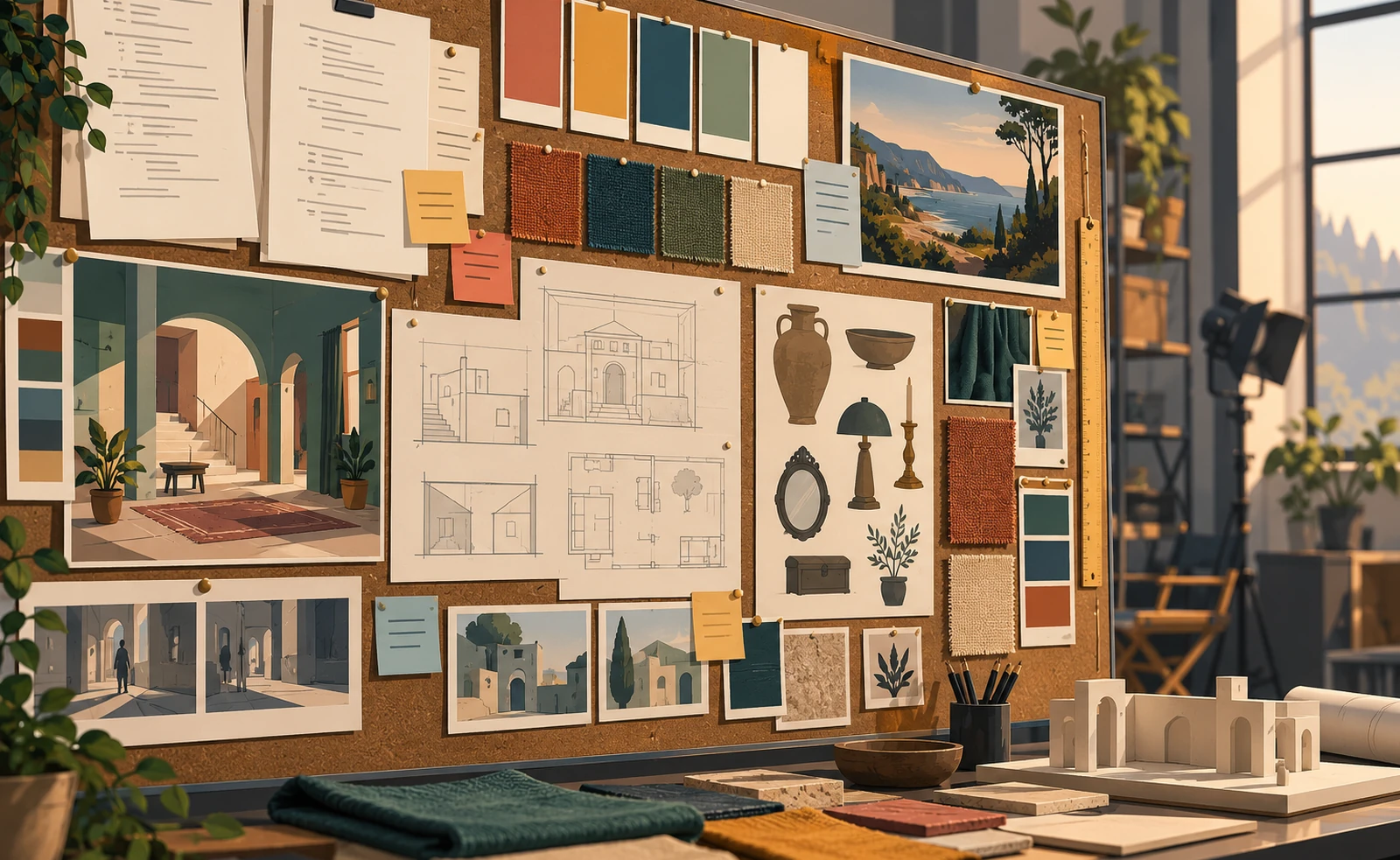
6. Build a visual reference package
A spreadsheet captures requirements, but visual references help the team agree on the world. Collect references for architecture, materials, palette, furniture, signage, wardrobe texture, practical light sources, and the degree of wear or polish in the environment.
Keep references tied to screenplay evidence. A mood board should not become a collection of attractive images disconnected from the story. Explain what each reference answers: the texture of a kitchen, the class signal in a character's clothing, the age of a vehicle, or the visual change after a plot event.
This is also where storyboards and camera planning can expose a design problem. A prop hidden in a wide shot may need to be prominent in coverage. A wall graphic may be visible only from one angle. The design breakdown becomes more useful when it is reviewed alongside the camera shot list from the screenplay and storyboard planning process.
A simple production design breakdown template
For each requirement, capture:
- scene number and page range
- location or set
- department
- item or design requirement
- story function
- continuity state
- quantity and duplicates needed
- sourcing method
- prep lead time
- estimated cost band
- owner
- status and open questions
A sample row might look like this in practice: Scene 18, kitchen, props, chipped blue mug, character's only personal object, full at start and broken by the end, two hero duplicates plus breakaway, source and fabricate, three prep days, medium cost, props lead, awaiting director approval.
Common mistakes to avoid
Only tracking hand props
Hand props are visible, but the environment around them carries just as much story information. A production design breakdown should include the room, surfaces, furniture, wall details, graphics, and background activity that define the scene.
Ignoring wardrobe as part of visual continuity
Wardrobe changes often reveal time, status, damage, weather, or character development. Keep them connected to the scene breakdown and shooting order, not in an isolated list that no one checks against the schedule.
Leaving the breakdown in screenplay order
Screenplay order is valuable for reading, but sourcing and scheduling need grouped views. Sort by location, department, recurring element, and shoot day so the team can act on the information.
Treating design as decoration
Design decisions can affect performance, camera placement, movement, safety, and cost. Review the breakdown with the director, cinematographer, producer, AD, and script supervisor before the plan hardens.
Where FilmPilot.ai fits
FilmPilot.ai's Production Breakdown is designed to scan a screenplay scene by scene and capture the props, wardrobe items, and vehicles a production will need to source, build, dress, or rent. That gives a filmmaker a faster, more exhaustive starting point for the art, costume, and transportation departments.
It is a first-pass planning asset, not a replacement for a production designer's taste or a producer's decisions. The strongest workflow is to use the generated breakdown to find omissions, group the work, identify cost drivers, and then review the design choices against locations, storyboards, camera plans, and the shooting schedule. The related shooting schedule workflow shows why those pieces should stay connected.
Turn the script's world into a plan
A production design breakdown gives the physical world of a screenplay a place in the production plan. Start scene by scene, rank what is story-critical, track continuity states, group requirements by department, and flag anything that needs extra money or lead time. Then connect the result to visuals, locations, budget, and schedule.
If you are ready to turn a screenplay PDF into a broader pre-production package, review FilmPilot.ai pricing and choose the plan that fits your project.