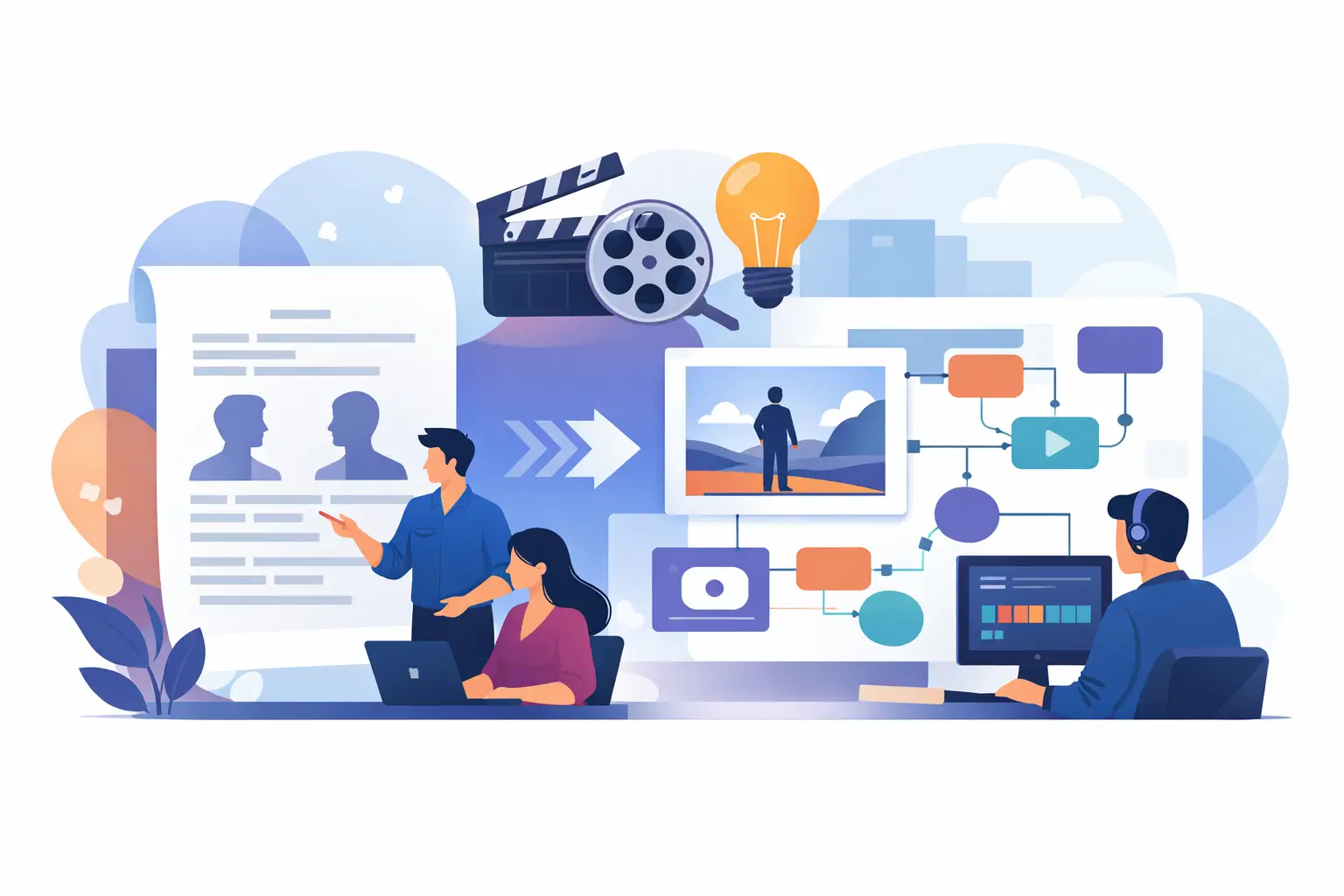
A finished screenplay often creates a false sense of momentum. The draft is done, the story works, and the pitch feels close. Then the real bottleneck shows up. Turning pages into something visual, actionable, and production-ready is where projects slow down. This script visualization workflow guide is built for filmmakers who want to close that gap without adding weeks of fragmented pre-production.
Visualization is not just about making a script look cinematic. It is about giving directors, producers, designers, and investors a shared picture of what the project is becoming. When that picture arrives late, decision-making gets expensive. When it arrives early, the project moves with more confidence.
What a script visualization workflow actually needs to do
A useful workflow does more than generate attractive images. It has to translate story intent into practical creative assets. That means identifying the scenes that carry the film's visual identity, clarifying character presentation, shaping location and mood references, and creating enough shot logic to support planning conversations.
The key is sequence. Many teams start with whatever feels exciting, usually mood boards or concept art, and only later realize they skipped the analytical layer that makes those visuals useful. If the workflow begins without a structured read of the screenplay, the output can look polished and still miss the point of the script.
A strong workflow should answer five questions early. What does the story need the audience to feel? Which scenes are most visually consequential? How should characters read on screen? What recurring visual patterns define the project? And what assets will help the team make actual decisions, not just admire possibilities?
The best script visualization workflow guide starts with script intelligence
Before anyone sketches frames or tests color direction, the screenplay needs to be broken down in a way that supports visual decision-making. This is where many productions lose time. One person reads for story, another reads for scheduling, someone else reads for design, and no unified interpretation emerges.
Start with a script-level pass that isolates tone, genre signals, emotional arcs, key set pieces, and production demands. This stage should also flag ambiguity. If a scene can be played as intimate realism or heightened stylization, that needs to be decided early because it changes everything downstream.
Character analysis belongs here too. Not just age, background, and dialogue traits, but screen presence. Who dominates visually? Who changes most across the story? Which characters need a clear silhouette or wardrobe identity to help the audience track them? Those answers inform casting conversations and visual development at the same time.
This first layer may feel less cinematic than storyboard generation, but it saves money later. Bad visualization usually comes from unclear interpretation, not weak execution.
Build the workflow in layers, not all at once
The most efficient teams move from broad visual definition to scene-specific assets. That order matters. If you jump directly into full-scene boards for 20 sequences, you risk redoing them after a basic tone adjustment.
The first layer is visual world-building. Define the project's look in terms of mood, texture, setting logic, and framing style. Is the camera language restrained or aggressive? Does the world feel polished, worn, dreamlike, institutional, or hyper-real? This is where visual references, poster-style concept directions, and environment studies are useful.
The second layer is character visualization. Create a consistent visual read for principal characters before treating scenes in detail. Hair, wardrobe, physicality, posture, and emotional expression all affect how scenes are imagined. If the lead looks radically different across concept materials, the project starts to feel unstable.
The third layer is sequence prioritization. Not every scene needs the same level of visualization. Focus first on scenes that do one of three jobs: sell the project, define the film's tone, or create production complexity. Opening scenes, major reversals, action set pieces, emotionally pivotal confrontations, and visually unusual locations are usually the right targets.
The final layer is technical planning. Once the creative direction is stable, camera angle planning, shot flow, location logic, and budget implications become far more useful. At that stage, visualization stops being just a pitch asset and starts functioning as a pre-production tool.
A practical script visualization workflow guide for fast-moving projects
For independent films and lean development teams, speed matters, but random speed creates waste. The workflow should compress time without collapsing judgment.
A practical version looks like this. First, ingest the script and extract core story patterns, scene priorities, character breakdowns, and likely visual anchors. Next, establish art direction and tone references that fit the script rather than generic genre expectations. Then create first-pass character concepts and scene imagery for high-priority moments. After that, refine into usable storyboards, camera setups, and pitch-facing materials. Finally, connect those outputs to production planning, including budget pressure points and role-specific needs.
What changes from project to project is not the structure but the emphasis. A contained thriller may need stronger camera and location planning early. An animated feature may need more concept art depth before any shot logic is locked. A proof-of-concept for financing may prioritize poster design, key art, and selected storyboard sequences over full operational planning.
That is the trade-off worth acknowledging. More visualization is not always better. The right amount depends on whether the immediate goal is pitching, internal development, director alignment, or production prep.
Where most teams lose time
The biggest slowdown usually comes from handoffs. The writer explains the script to the producer. The producer briefs the designer. The designer develops images. Then the director asks for changes based on a different reading of the material. None of that is unusual, but it stretches a process that should be coordinated.
Another common problem is treating each deliverable as separate. Storyboards, character concepts, casting notices, budget estimates, and audience-facing pitch materials are often developed in parallel by different people who are not working from the same story map. The result is inconsistency. A character description may suggest one type of performer while the visual treatment suggests another. A storyboard may imply a scale the budget cannot support. A pitch deck may sell a version of the film the production plan cannot execute.
A better workflow connects these outputs from the same source interpretation. That is where an integrated service model has real value. Instead of buying isolated pieces of development from multiple vendors, filmmakers can move from screenplay to coordinated materials in a compressed window. FilmPilot.ai is built around that exact need - fast, practical pre-production assets generated from one completed script so creative direction and production planning stay aligned.
What good outputs look like
Good visualization outputs are specific enough to guide decisions and flexible enough to evolve. They should sharpen the project, not trap it. A first-pass storyboard should clarify blocking, scene energy, and shot intent. It does not need to dictate every lens choice. Character concepts should define identity and tone, while leaving room for casting reality. Poster and key art should communicate market position without pretending the campaign is finished.
The most valuable outputs also speak to different stakeholders at once. Producers want to see scope. Directors want to see tone and cinematic possibility. Designers want repeatable visual logic. Investors want clarity and confidence. When one set of materials can support all four conversations, development accelerates.
That is why fast-turn visualization matters most when it is tied to utility. Pretty images are easy to praise and hard to use. Decision-ready assets are the opposite. They drive meetings, revisions, financing discussions, and prep.
How to evaluate your own workflow
If your current process is working, you should be able to answer a few questions quickly. Can a new collaborator understand the film's visual identity in one sitting? Are your key scenes already visualized well enough to support a pitch or planning call? Do your character materials match the tone of your screenplay? Are your creative assets helping production decisions, or sitting in folders as inspiration only?
If the answer is no, the issue is probably not a lack of talent. It is usually a workflow problem. Either the sequence is wrong, the outputs are disconnected, or the team is spending too much time translating the same script from scratch for different purposes.
The strongest script visualization workflow guide is the one that respects both art and execution. It gives the story a visual future while keeping the production grounded in reality. For filmmakers trying to move faster without losing creative control, that balance is not optional. It is the difference between a script that feels finished and a project that is actually moving.
A screenplay becomes more valuable the moment other people can see it, not just read it. Build your workflow around that moment, and the path from draft to screen gets much shorter.